
Marketing tips
How does Smart Pricing work on Travelnest?
·
By Amanda Sanders
Smart Pricing is Travelnest’s built-in dynamic pricing tool. It reads demand in your area using hyperlocal market insights, then updates your nightly prices every 48 hours across every booking site you list on through Travelnest. You set a base price and a minimum nightly price, you can override any night, and it’s included at no extra charge. It can help you increase your revenue by up to 70%. Here’s how it works and how to get the most from it.
What is Travelnest Smart Pricing?
Smart Pricing is a dynamic pricing feature included in every Travelnest account. Instead of one fixed rate, each night is priced for expected demand, so you can earn more on busy dates and stay competitive in quieter weeks. Smart Pricing can help you increase your revenue by up to 70%. If you’re new to the idea, read whether dynamic pricing is worth it for a holiday cottage, or start with our holiday let pricing guide.
How does Smart Pricing set my prices?
Smart Pricing is powered by hyperlocal insights into 540+ markets on six continents. It scans demand in your area, including seasonal trends, local events and market shifts, and regularly updates your prices so they stay competitive.
Updates every 48 hours. Your prices keep pace with demand without you lifting a finger.
24 months ahead. The next 24 months of nightly rates are always set, so you don’t miss high-value early bookings.
Every booking site. Your prices apply across the 30+ booking sites you list on through Travelnest, from one account.
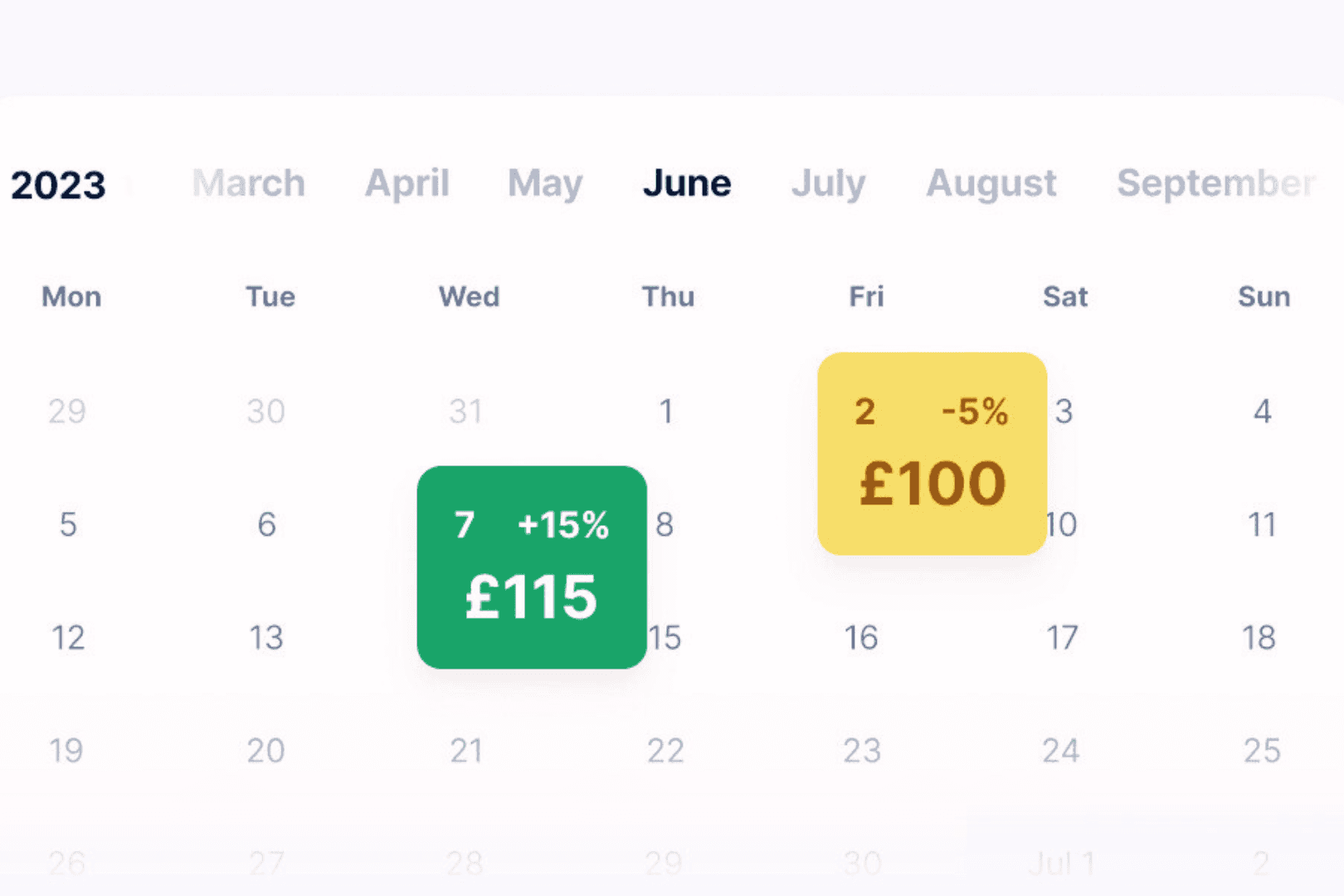
What can I control?
Base price: your typical nightly rate and the foundation Smart Pricing works from.
Minimum nightly price: the lowest rate you’ll accept. Smart Pricing never prices below it, even when demand is low.
Overrides: fine-tune any nightly price in your calendar, or take full control of specific nights.
Seasonal strategy still matters. Our guide to seasonal pricing and minimum stays explains how to plan peaks and quiet periods.
How do I turn on Smart Pricing?
Setup takes about 60 seconds. Smart Pricing uses details you’ve already added, such as location, capacity, number of bedrooms and amenities, to set your starting rates.
Go to the nightly pricing section for your property.
Set your base price and minimum nightly price, then switch Smart Pricing on.
Review your calendar for the coming year and override any nights you want to control yourself.
Need help? Our Property Experts can talk you through setup, and step-by-step instructions are in our help centre.

How much does Smart Pricing cost?
Nothing extra. Smart Pricing is included in every Travelnest account. Travelnest is free to join, with no sign-up or monthly fee, and charges one commission of 20% + VAT per booking with the booking site’s commission included. See our pricing page for details, or compare Smart Pricing with other holiday let pricing tools.
What do hosts say?
“Smart pricing has revolutionised our business. We have seen a significant increase in occupancy. At the touch of a button everything is done for you!” Yvonne, Vry Global Property Relocation.
How Travelnest helps
Smart Pricing: every night priced for local demand.
Global exposure: 30+ booking sites from one listing.
Calendar sync: one calendar across every booking site.
Guest messaging: every guest conversation in one inbox.
Mobile app: check and override prices on the go.
Direct booking site: take direct bookings for 5% + VAT.
List your property with Travelnest or get a free earnings estimate.
Frequently asked questions
Will Smart Pricing ever charge less than my minimum?
No. Smart Pricing never prices a night below the minimum nightly price you set.
How often does Smart Pricing change my prices?
It updates prices every 48 hours and keeps 24 months of nightly rates set.
Can I control prices for certain dates myself?
Yes. You can override any nightly price from your calendar, which gives you full control of those nights while Smart Pricing prices the rest.
Is Travelnest Smart Pricing the same as Airbnb Smart Pricing?
No. Airbnb’s Smart Pricing only prices your Airbnb listing. Travelnest Smart Pricing prices every booking site you list on through Travelnest.
Does Smart Pricing cost extra?
No. It’s included as part of Travelnest’s 20% + VAT commission.
Last updated: 19 November 2026.
Feature details reflect Travelnest’s Smart Pricing at the time of writing and may change. Results vary by property, location and season.
