Marketing tips
Holiday let photography that converts - How to showcase your property in a visual first market
·
By Amanda Sanders
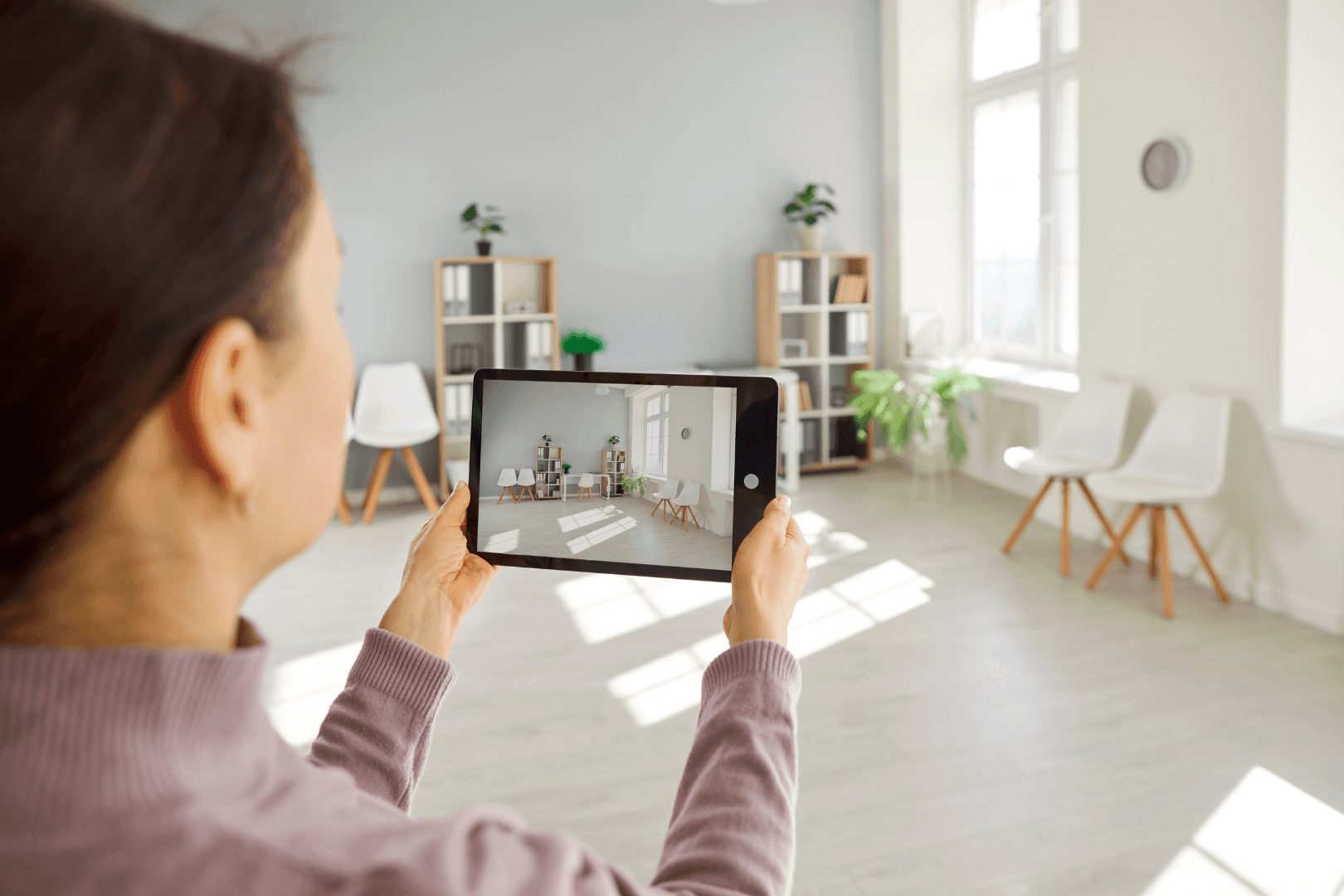
In today’s crowded holiday rental landscape, guests make decisions in seconds. Strong photography is no longer a nice to have, it is the foundation of a successful listing. With most searches carried out on mobile devices and on visual first platforms, your photos often decide whether guests stop scrolling or book elsewhere. This guide explains how to create high impact visuals that build trust, highlight your property’s value and ultimately boost your booking performance.
Why Images Shape Booking Decisions
Travellers are not just choosing accommodation, they are choosing a feeling, a moment and an experience. Your photography must help them imagine themselves in the space immediately.
Industry insights show that professional imagery consistently outperforms amateur photos in both engagement and conversion. Visual content is 43 percent more persuasive than text alone, and travellers spend almost a full minute browsing photos before deciding whether to continue exploring a listing. Research in the Mintel UK Holiday Rental Property Market Report 2025 highlights that high quality images are one of the strongest predictors of successful booking performance.
Professional vs Smartphone Photography
Both professional and smartphone photography have a place, but they deliver very different results.
Benefits of hiring a professional photographer include:
Expertise in staging, lighting and composition
Ability to make spaces feel brighter, larger and more inviting
Knowledge of what guests look for, for example removing personal items and highlighting premium features
Access to specialist equipment and editing skills
When to rely on smartphone photography:
If starting out with a limited budget
When you can invest time in learning lighting, angles and basic editing
When capturing quick seasonal refreshes between professional shoots
Typical professional photography costs range from £200 to £2,500 depending on property size, location and whether extras like drone shots or video tours are included.

Essential Photos Every Listing Needs
Your gallery should tell a complete and compelling story of the guest experience.
Start with a strong hero image
Your first photo determines whether a guest clicks into your listing. Choose an image that highlights your most desirable feature, for example a sea view, a hot tub, an outdoor dining area or distinctive architectural detail.
Include high quality room by room coverage
Aim for four photos per room that show the space from different perspectives. Include:
Wide angle shots that show layout
Detail shots that highlight quality and amenities
A consistent, bright and natural lighting style
Showcase kitchens and bathrooms
Guests look closely at these areas because they indicate cleanliness and practicality. Photograph:
Well lit, tidy bathrooms
Kitchens with clear counters, visible appliances and inviting dining setups
Don’t forget outdoor spaces
Capture:
Gardens, patios, balconies or pools
Front and back views of the property
Spaces in the best possible weather and lighting conditions
Add a sense of place
Include two or three images of nearby highlights such as beaches, walking routes, town centres or viewpoints. These help guests imagine the wider experience.
Lighting, Staging and Technique
Lighting and staging are the quickest ways to transform your photography.
Lighting tips:
Shoot in natural light wherever possible
Use the golden hours just after sunrise or before sunset
Open blinds and curtains fully, switch on warm interior lights if needed
Shoot horizontally from 100 to 160 cm height for natural perspective
Staging essentials:
Remove clutter and personal items
Add simple lifestyle hints like a coffee cup, a folded throw or fresh flowers
Avoid heavy styling that feels artificial
For more tips on how to take good photos, see our guide..
Seasonal Updates and Platform Requirements
Refreshing images through the year improves performance by showing guests what they can realistically expect.
Seasonal examples:
Summer, outdoor furniture, barbecues, gardens, pools
Winter, firelit lounges, throws, warm lighting, cosy corners
Platform requirements to keep in mind:
Minimum resolution around 1024 x 683 pixels
Clear, well lit images without distortion or watermarks
Horizontal orientation is preferred on most major platforms
Airbnb does not allow text overlays
Booking.com recommends corner angles for depth
These requirements align perfectly with how Travelnest distributes your listing across 30+ booking platforms and ensures your photos are displayed to best effect. Learn more about how our distribution network works.
How Travelnest Helps You Get Better Photos
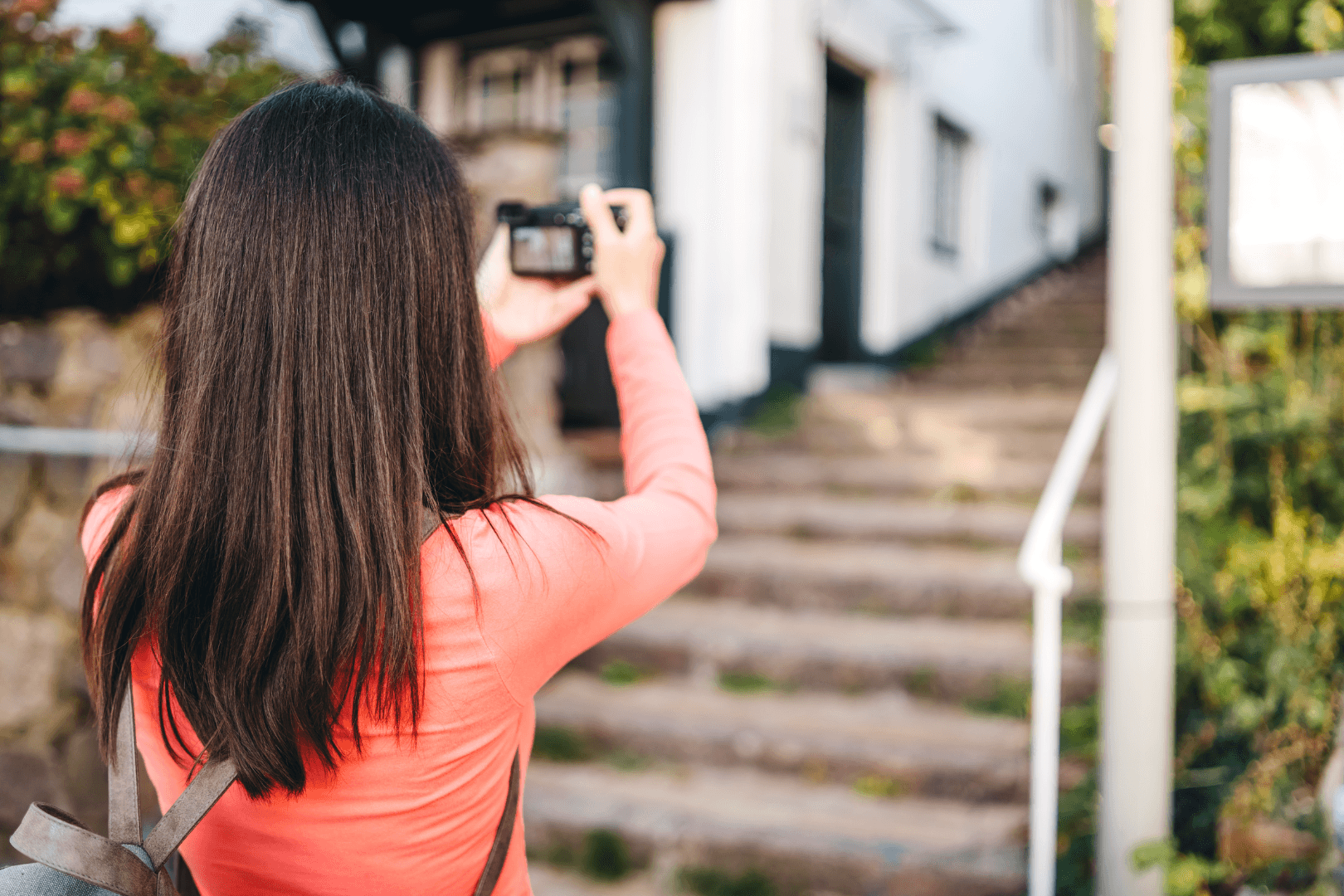
Travelnest’s Property Experts help hosts select the right images for maximum impact. Our platform automatically flags low resolution photos so you can replace them quickly and maintain a high performing gallery. We also advise on seasonal updates and image sequencing to improve your conversion rate across all major channels.
Explore how our expert guidance helps hosts get more bookings with stronger visuals.
Photography that Drives Performance, What the Data Shows
Industry analyses, including research from major booking platforms and visual marketing studies, consistently highlight the return on investment that professional photography delivers for holiday rental owners.
Key findings include:
Listings with professional photography could earn 28% more bookings, could charge a 26% higher nightly rate, and increase overall earnings by 40%..
According to Evolve, only 43% of vacation rental owners are currently using professional photography services.
According to FlipKey data, travellers are 83 percent more likely to enquire about listings that include more than 20 photos.
VisualChaos Studios reports that products with professional product images can achieve around a third higher conversion rate than those using lower quality visuals.
Ready to improve your booking performance?
If you're new to Travelnest, you can create a free account and start attracting guests across 30 plus booking channels.
Already a host, log in to your Travelnest dashboard to update your photos, manage your calendar and optimise your listing.