Marketing tips
Holiday let photography: how to take photos that get bookings
·
By Amanda Sanders
Good holiday let photography shows guests exactly what the stay is like. Upload at least 10 high-resolution landscape photos covering the outside, every room, the bathroom and key amenities, and lead with a cover photo of your best feature. Shoot in natural light, declutter first and keep edits natural. This guide covers what to photograph, how to take the photos and what each booking site requires.
Why do photos matter so much?
Photos are usually the first thing guests see in search results, and they’re how guests judge whether your property is right for them. Clear, honest photos help the right guests book and avoid surprises when they arrive.
Which photos does every listing need?
A strong cover photo: your best feature, such as a view, a hot tub, the garden or a characterful living room.
The outside: the front of the property, the entrance and any garden, patio or parking.
Every room: including bedrooms, bathrooms and the kitchen. Booking.com recommends at least four photos of each room and at least one of the bathroom.
Key amenities: such as a wood burner, hot tub, games room or workspace.
A floor plan: if you have one, so guests understand the layout.
The local area: a few photos of nearby beaches, walks or village highlights.
How do I take good holiday let photos?
Shoot in natural light. Open blinds and curtains, and turn on lamps for a warm feel.
Turn off the flash.
Take outdoor photos in the hour after sunrise or before sunset.
Clean and declutter first, and put away personal items.
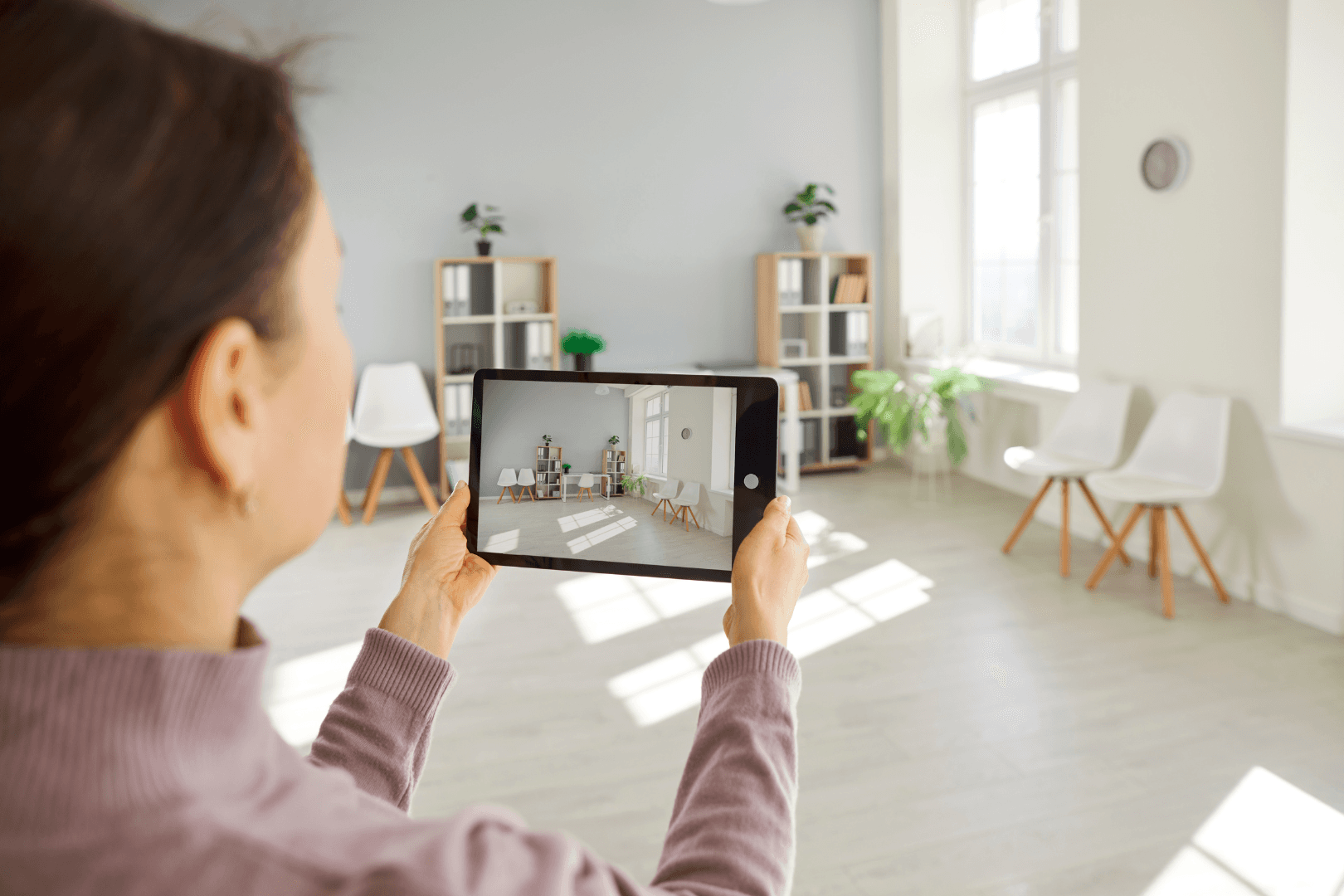
Shoot in landscape from chest height, using a wide camera setting. Booking.com suggests a camera height of 100 to 160 cm and shooting from the corners of rooms.
Keep edits natural, so the photos match what guests will find.
Should I use a professional photographer?
A professional photographer brings lighting, equipment and editing skills that are hard to match on a phone, which helps if your property has a lot to show or you’re in a competitive area. A good smartphone works well for seasonal updates and smaller changes between shoots.
What are the photo requirements on each booking site?
Airbnb: photos of at least 1,200 by 800 pixels, with larger files of up to about 10 MB being better. Take horizontal photos, as Airbnb crops photos into squares in search results (Airbnb).
Booking.com: at least 10 photos, sized at least 2,048 by 1,080 pixels and preferably 4,000 by 3,000 pixels, in landscape only. Avoid watermarks, collages, black-and-white photos, fisheye lenses, filters and recognisable people (Booking.com).
Travelnest: upload at least 10 high-resolution photos in landscape format. You can crop, rotate and reorder them, choose your cover photo and add captions in your account.
How often should I update my photos?
Update your photos whenever you change the property, such as new furniture, a refreshed kitchen or a new hot tub. Seasonal photos help too: a lit wood burner and cosy throws in winter, and the garden and outdoor dining in summer. Change your cover photo to match the season. Read how to get more holiday let bookings in the off-season.
How Travelnest helps
With Travelnest, you manage one photo gallery for your listing, and we roll your listing out across 30+ booking sites.
Global exposure: one listing, rolled out across 30+ booking sites.
Calendar sync: one calendar across every booking site.
Smart Pricing: increase your revenue by up to 70%, at no extra charge.
Photo tools: crop, rotate and reorder photos, choose your cover and add captions, with suggestions that highlight ways to improve your photos.
Guest messaging: a unified inbox with scheduled messaging and ready-to-use templates.
Direct booking site: direct bookings for 5% + VAT.
Property Experts: help with setup, listings and pricing.
You pay 20% + VAT per booking, with the booking site’s commission included. There’s no sign-up fee, monthly fee or contract, so you only pay when you get a booking.
List your property with Travelnest or get a free earnings estimate. For the bigger picture, read how to get more bookings for your holiday let.
Read our Airbnb listing tips and holiday let listing description guides too.
Frequently asked questions
How many photos should a holiday let listing have?
At least 10. Booking.com asks for a minimum of 10 photos and at least four of each room, so most properties need more than that to cover everything.
What size should holiday let photos be?
Booking.com asks for at least 2,048 by 1,080 pixels, and preferably 4,000 by 3,000. Airbnb recommends at least 1,200 by 800 pixels. Large, high-resolution files work for both.
Should holiday let photos be landscape or portrait?
Landscape. Booking.com only accepts landscape photos, and Airbnb crops photos into squares in search results, so horizontal shots work best.
Last updated: 20 November 2026.
Photo requirements are taken from each booking site’s own help pages at the time of writing and can change.